



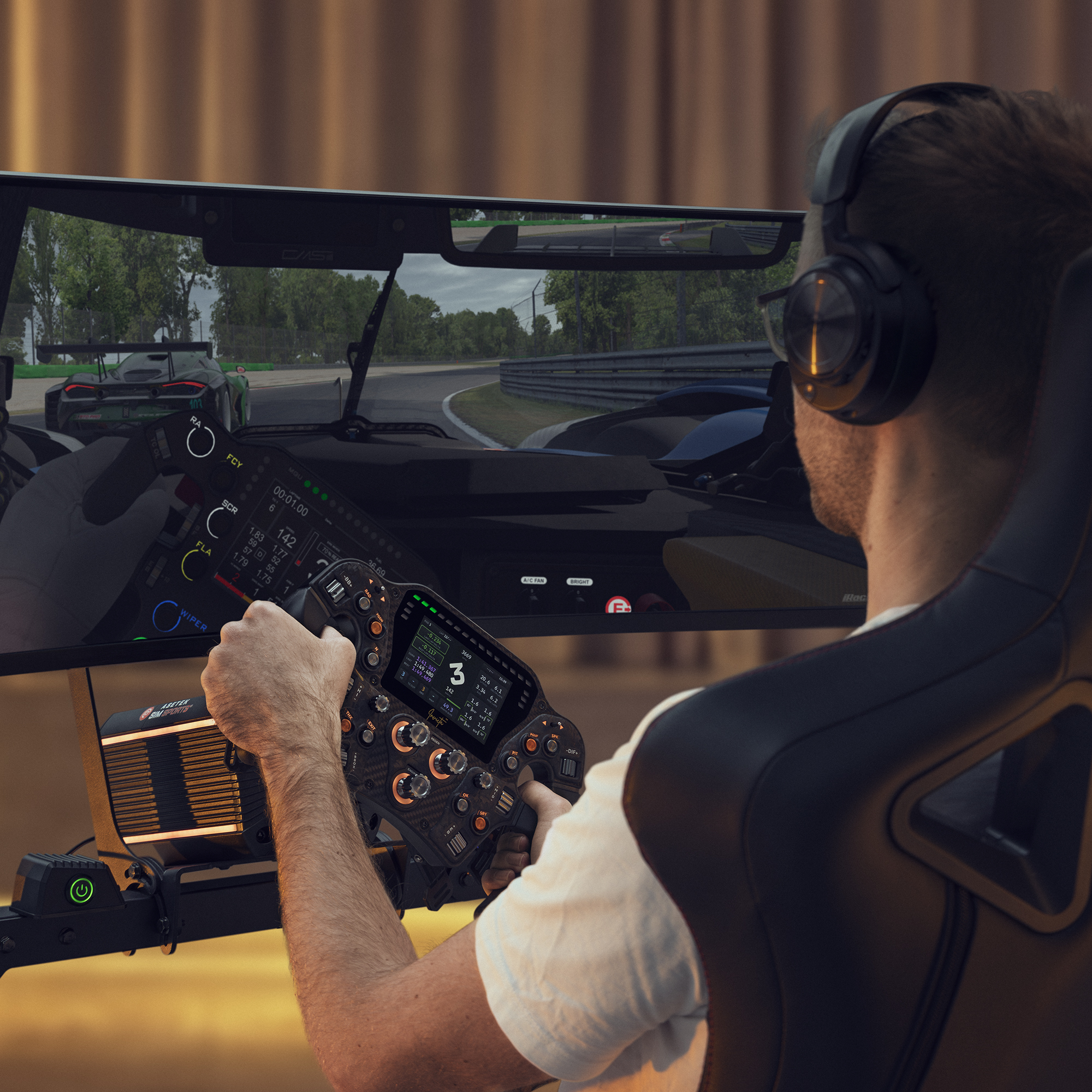
Sim Racing Monitor Position: Height, Distance & FOV
Your sim racing monitor position affects visibility, comfort, reaction time, immersion, and consistency. If your screen is too high, too low, too far away, or set with the wrong field of view, it can become harder to judge braking points, apexes, traffic, and track limits.
A good monitor setup should feel natural from your normal driving position. You should be able to look straight ahead without straining your neck, see the track clearly, and use an FOV (Field of view) that matches your monitor size, distance, and seating position.
In this guide, we’ll cover sim racing monitor height, distance, eye level, FOV, single monitor setups, triple screen setups, and common monitor position mistakes.
Why monitor position matters in sim racing
Monitor position is one of the most overlooked parts of a sim racing setup. Many drivers spend time adjusting wheelbase settings, pedals, and seating position, but leave the screen wherever it fits.
That can create problems.
A poor monitor position can lead to:
- Poor visibility
- Neck strain
- Eye fatigue
- Incorrect sense of speed
- Inconsistent braking points
- Reduced immersion
- Difficulty judging corners
- Less accurate FOV
A good monitor position helps you see the track more naturally, react earlier, and stay comfortable during longer sessions.
For the best result, your monitor setup should work together with your seating position, pedal position, wheel distance, and cockpit layout.
Sim racing monitor position checklist
Use this quick checklist to improve visibility, comfort, and immersion in your sim racing setup:
- Position the monitor directly in front of your driving position
- Keep the screen centered with your wheel and seat
- Set the monitor close enough for a realistic field of view
- Avoid placing the screen too high or too low
- Keep your eyes roughly level with the middle of the screen
- Make sure the wheelbase does not block important on-screen information
- Use the correct FOV for your monitor size and distance
- Reduce glare and reflections
- Keep your neck and shoulders relaxed
- Test your setup over multiple laps before making more changes
For a broader overview of seating position, pedal setup, wheel placement, cockpit comfort, and long-session performance, read our complete sim racing ergonomics guide.
How high should your sim racing monitor be?
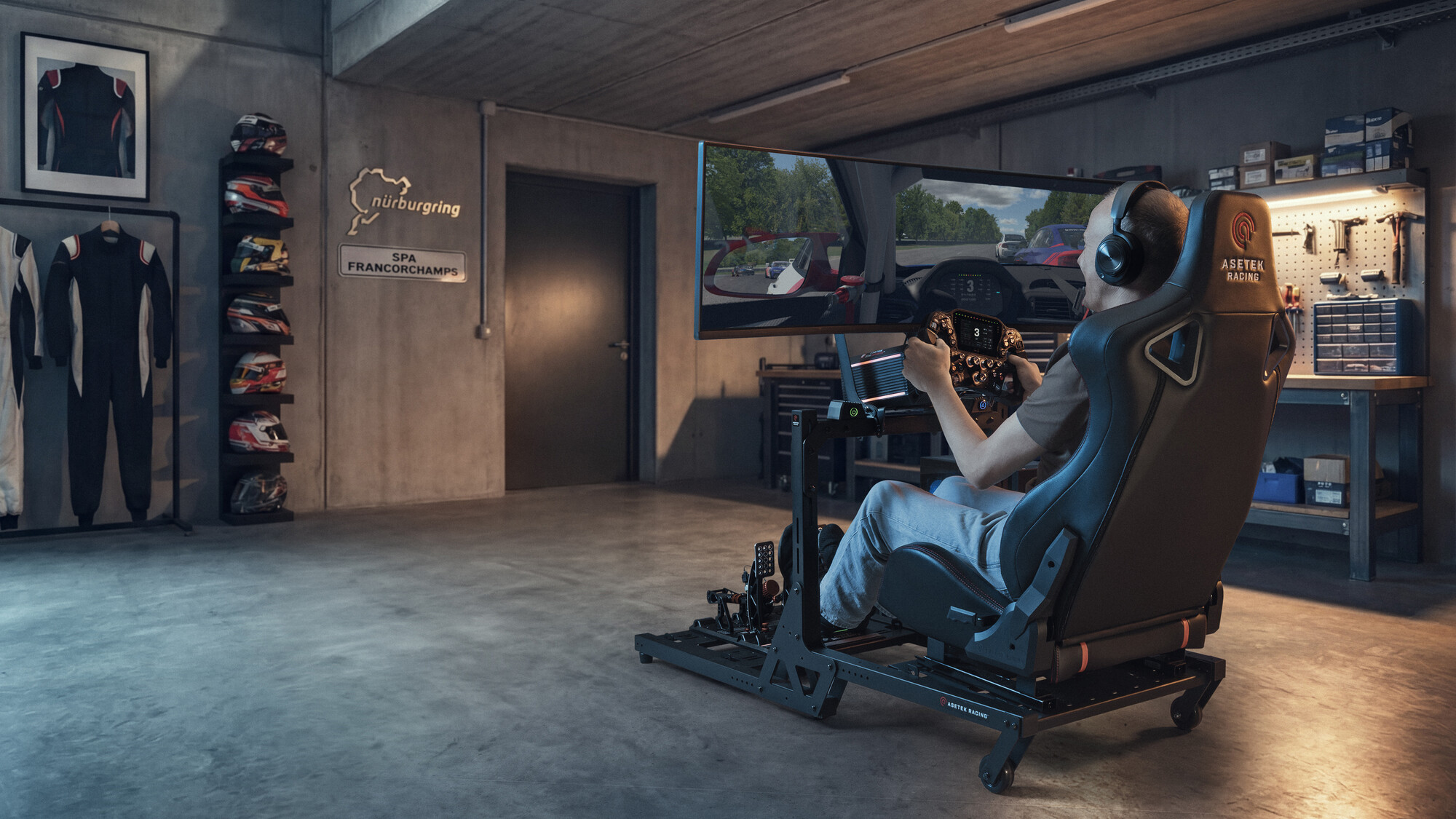
Your sim racing monitor should be positioned so your eyes are roughly level with the center of the screen when you are sitting in your normal driving position.
If the monitor is too high, you may start tilting your head upward, which can create neck and shoulder tension. If it is too low, you may look downward too much and lose a natural driving posture.
A good monitor height should let you:
- Look straight ahead comfortably
- Keep your neck relaxed
- Avoid tilting your head up or down
- See the track clearly
- Keep important dashboard or HUD elements visible
- Maintain a natural driving posture
In most sim racing setups, the screen should feel like an extension of the cockpit, not something you have to look up at or down toward.
How far should your monitor be in sim racing?
Your monitor should be as close as practical without causing eye strain, blocking your wheel movement, or making the image uncomfortable to view.
A closer monitor can improve immersion and make it easier to use a realistic FOV. A monitor that is too far away can make the cockpit view feel disconnected and make it harder to judge distance, speed, and corner entry.
Your monitor distance is usually correct when:
- You can see the track clearly without leaning forward
- Your eyes feel comfortable during longer sessions
- The screen fills enough of your vision to feel immersive
- Your wheelbase and steering wheel do not block the view
- You can use a realistic FOV without making the view feel too narrow
- You can read important information without squinting
The best distance depends on your screen size, cockpit, seating position, and whether you use a single monitor, ultra-wide monitor, or triple screen setup.
Sim racing FOV and monitor distance
FOV, or field of view, controls how much of the virtual world you see on screen. In sim racing, FOV should be based on your monitor size and the distance between your eyes and the screen.
If your FOV is too wide, the game may look fast and exciting, but braking points, corner distances, and car placement can feel distorted. If your FOV is too narrow, you may lose peripheral awareness and struggle to see enough of the track.
A correct FOV helps you judge:
- Speed
- Distance
- Corner entry
- Apex position
- Track width
- Car placement
- Braking points
- Traffic around you
The goal is not to choose the most dramatic-looking view. The goal is to make the virtual cockpit match your real seating position and screen setup as closely as possible.
If you change your monitor distance, you should also check your FOV again.
Single monitor vs triple monitor setup
Your ideal monitor position depends on the type of screen setup you use.
Single monitor setup
A single monitor setup is simple, compact, and easy to adjust. It works well for beginners, desk setups, compact cockpits, and drivers who want a clean setup without too much complexity.
For a single monitor, focus on:
- Centering the screen with your seat and wheel
- Moving the monitor close enough for immersion
- Setting the correct FOV
- Keeping eye level near the middle of the screen
- Avoiding glare and reflections
A single monitor can work very well, especially if it is positioned close enough and paired with a good FOV.
Ultra-wide monitor setup
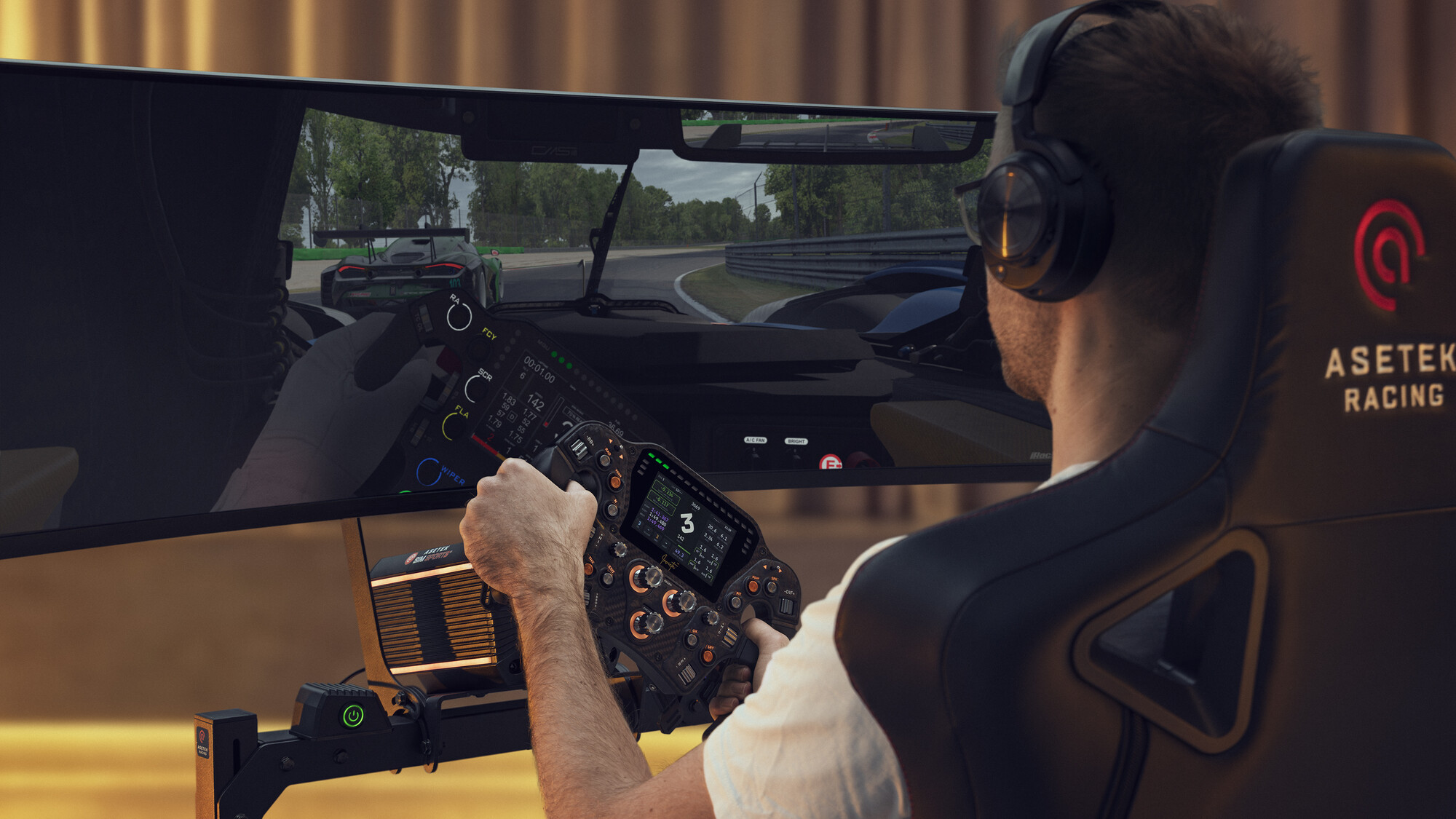
An ultra-wide monitor gives you more horizontal visibility than a standard single screen, while still keeping the setup simpler than triples.
For an ultra-wide monitor, make sure the screen is centered and close enough to feel immersive. You may also need to adjust FOV carefully so the image does not feel stretched or distorted.
This setup is good for:
- More immersion than a standard single monitor
- Wider visibility
- Cleaner setup than triples
- Drivers with limited space
- GT and general sim racing
Triple monitor setup
A triple monitor setup gives you the widest field of view and can make it easier to see mirrors, apexes, traffic, and cars beside you.
For triple screens, alignment is especially important. The screens should be placed at the correct distance and angle so the image feels continuous across all three displays.
A good triple monitor setup should:
- Keep the center screen directly in front of you
- Angle the side screens toward your seating position
- Use consistent screen height
- Avoid gaps or uneven alignment
- Use the correct FOV and screen angle settings in-game
Triple screens can be extremely immersive, but they take more space, more setup time, and more careful adjustment.
Monitor position for GT vs formula seating
Your monitor position should match your seating style.
GT-style monitor position
In a GT-style sim racing position, you usually sit more upright. This often makes it easier to position the monitor directly in front of you, close to eye level, and behind or just above the wheelbase.
This setup is good for:
- GT racing
- Touring cars
- Road cars
- General sim racing
- Beginners
In a GT-style setup, make sure the screen is not too high. You should not feel like you are looking upward to see the track.
Formula-style monitor position
In a formula-style seating position, you usually sit lower and more reclined. This can make monitor height and distance more sensitive, because your eye line may be lower than in a GT setup.
For formula-style setups, focus on:
- Keeping the monitor aligned with your natural eye line
- Avoiding neck strain
- Making sure the wheel does not block the screen
- Checking FOV after adjusting the seat angle
- Keeping the image centered from your actual driving position
A formula-style setup can be very immersive, but small monitor position errors can quickly create discomfort or poor visibility.
Common sim racing monitor position mistakes
Placing the monitor too far away
If your monitor is too far away, the cockpit view can feel disconnected. You may also need to use a wider FOV than ideal, which can distort distance and speed.
Placing the monitor too high
A monitor that sits too high can create neck tension and make your driving posture less natural. Your eyes should not constantly look upward while racing.
Ignoring FOV
FOV is not just a visual preference. It affects how accurately you judge speed, distance, braking points, and corner position.
Not centering the screen
If the monitor is not centered with your seat and wheel, your visual reference points may feel slightly off. This can make the setup feel less natural.
Letting the wheelbase block the screen
If your wheelbase or steering wheel blocks important parts of the screen, you may need to adjust monitor height, wheel height, or seating position.
Changing monitor distance without updating FOV
If you move your monitor closer or farther away, your FOV should be checked again. Monitor distance and FOV work together.
How monitor position, seating position, and cockpit setup work together
Your monitor position cannot be adjusted in isolation. It should work together with your sim racing seating position, pedal position, wheel distance, and cockpit setup.
If you change your seat angle, your eye level may change. If you move your pedals, your seat position may change. If you adjust your wheelbase height, the wheel may block more or less of the screen.
For the best result, adjust your setup in this order:
- Set your seating position
- Adjust pedal distance and angle
- Set wheel height and distance
- Place the monitor at a comfortable height
- Adjust monitor distance
- Set your FOV
- Test everything over multiple laps
- Make small changes one at a time
The goal is to create a setup where your body position, controls, and screen all feel connected.
Summary: how to set your sim racing monitor position
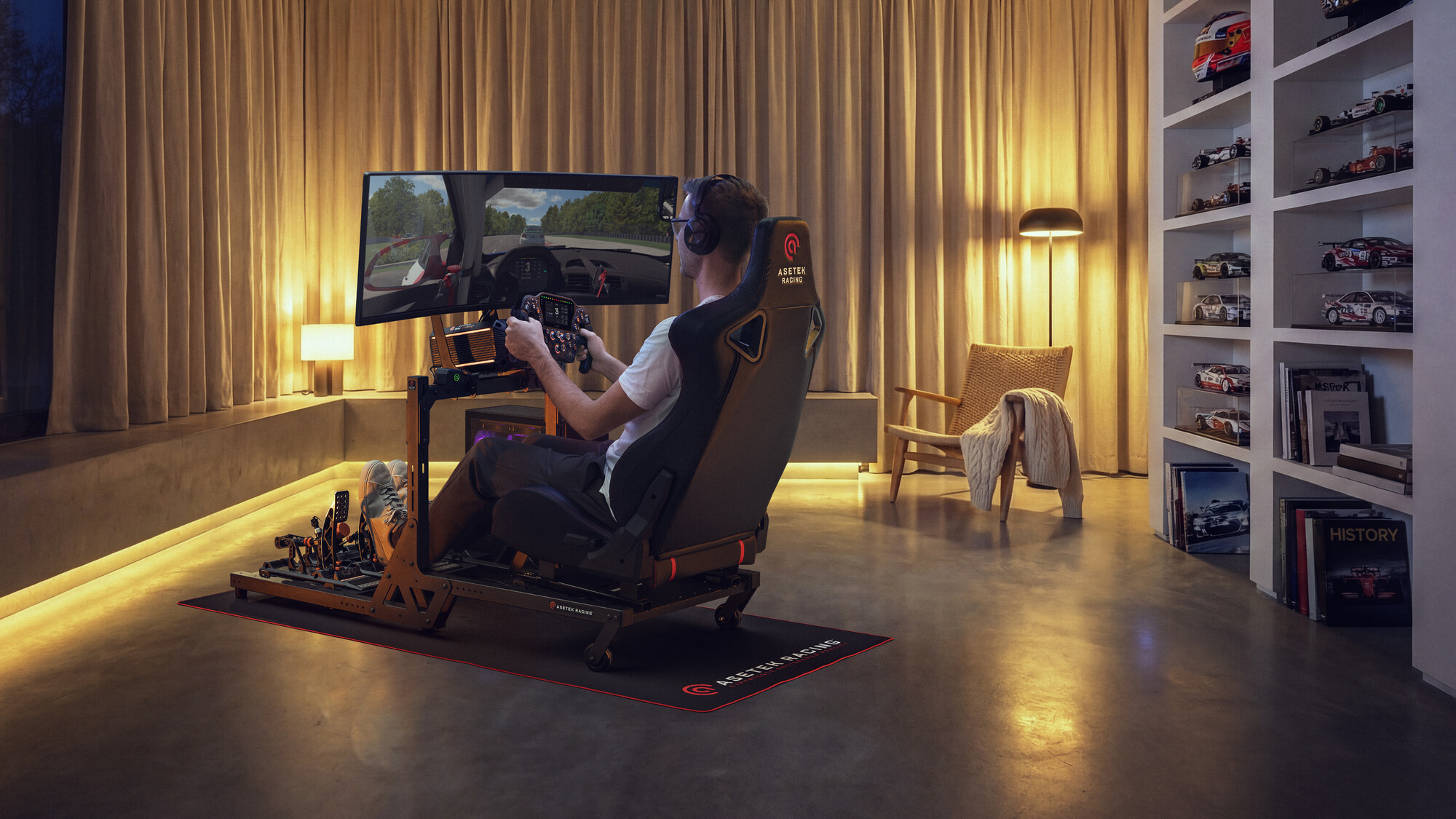
Your sim racing monitor should be centered, close enough for immersion, and positioned at a comfortable height from your normal driving position.
As a rule of thumb:
- Keep the monitor centered with your seat and wheel
- Place your eyes roughly level with the middle of the screen
- Move the monitor as close as practical
- Avoid neck strain
- Avoid screen glare
- Set FOV based on monitor size and distance
- Recheck FOV if you move the monitor
- Make sure the wheelbase does not block important information
A good monitor position makes your sim racing setup feel more natural, more immersive, and easier to drive consistently.
If you are building a full setup from scratch, a sim racing bundle can make it easier to match your wheelbase, steering wheel, pedals, cockpit, and monitor position from the start.
FAQ: Sim racing monitor position
How high should a sim racing monitor be?
Your sim racing monitor should sit so your eyes are roughly level with the center of the screen when you are in your normal driving position. This helps reduce neck strain and keeps your view natural.
How far away should my sim racing monitor be?
Your monitor should be as close as practical without causing eye strain, blocking your wheel movement, or feeling uncomfortable. The ideal distance depends on your screen size, cockpit, and FOV.
What is the best FOV for sim racing?
The best FOV depends on your monitor size and the distance between your eyes and the screen. A correct FOV helps you judge speed, distance, braking points, and car placement more accurately.
Should my sim racing monitor be behind the wheel?
In many setups, the monitor works best behind or just above the wheelbase, as close as practical. The exact placement depends on your cockpit, wheelbase size, and screen height.
Is a triple monitor setup better for sim racing?
Triple monitors can improve immersion and side visibility, especially for racing close to other cars. However, a well-positioned single monitor or ultra-wide monitor can still work very well.
Does monitor position affect lap times?
Monitor position can affect consistency, visibility, and how accurately you judge braking points and corners. A better monitor setup may help you drive more naturally and make fewer visual misjudgments.
Should I change FOV after moving my monitor?
Yes. If you move your monitor closer or farther away, you should check your FOV again. Monitor distance and FOV are connected.


 Back to top