



rFactor 2: RaceHub™ and Game Setup

rFactor 2, developed by Studio 397, is known for its dynamic track surface — grip and rubber build-up evolve lap by lap — and remains a popular base for competitive sim-racing leagues. This guide covers the recommended Asetek force feedback settings, telemetry setup for the LED and RaceView features, and control assignment in rFactor 2.
Force Feedback Settings
| Invicta | Forte | La Prima+ | La Prima | Initium+ | Initium |
By downloading the preset package above, you can import the official recommended wheelbase settings for RaceHub for rFactor 2.
- Open RaceHub.
- Go to the “Wheelbase” -> “Force Feedback Settings”.
- Click the three dots next to “Preset”.
- Click “Import as new”.
- Find the rFactor 2 preset for your wheelbase in the folder you just downloaded.
- Click “Save to wheelbase”.
In-Game Settings
After setting up the FFB settings in RaceHub, you now need to set up the following settings in the in-game FFB settings menu.
- Launch rFactor 2.
- From the main menu, click the gear icon on the top right.
- Select the “Calibrate Controls” tab.
- Then insert the values below in the “Force Feedback” section of the menu.
| Invicta 27Nm |
Forte 18Nm |
La Prima+ 16Nm |
La Prima 12Nm |
Initium+ 8Nm |
Initium 5.5Nm |
|
|---|---|---|---|---|---|---|
| Smoothing | 5 | 5 | 5 | 5 | 5 | 5 |
| Minimum Steering Torque | 0% | 0% | 0% | 0% | 0% | 0% |
| Force Feedback Strength | 22Nm 40% | 18Nm 45% | 16Nm 55% | 12Nm 62% | 8Nm 70% | 5,5Nm 70% |
| Rotation Limit Mode | Software | Software | Software | Software | Software | Software |
| Max Wheel Angle Mode | Custom | Custom | Custom | Custom | Custom | Custom |
| Default Max Wheel Angle | 1080° | 1080° | 1080° | 1080° | 1080° | 1080° |
| Range Set By Vehicle | On | On | On | On | On | On |
While these presets and settings are a great starting point, adjusting and tweaking the settings to your personal preference can make a big difference and is exactly what RaceHub is for.
Telemetry for RaceHub LED and RaceView features
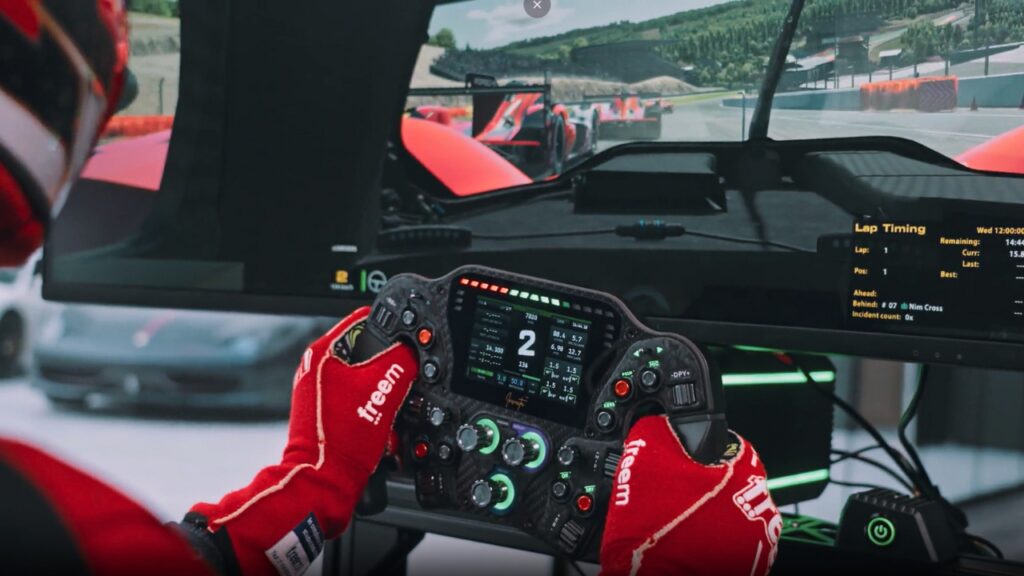
This part of the guide will set up RaceHub to correctly receive data from your game and enable FFB as well as the LED features, as well as RaceView on the Invicta and Forte formula Pro wheels. It is recommended that you start the game and close it again before continuing.
- Make sure rFactor 2 is NOT running.
- Open RaceHub.
- Go to “Settings” -> “Game Setup” and find rFactor 2 on the list.
- Click the ”Install Plugin” button to the right. This will install a plugin to the game directory.
- Now open rFactor 2.
- In the main menu, select the “Content and Settings” tab and click “Settings”.
- Select the “Gameplay” tab and set the plugin “RaceHub_rf2_SMM_x64.dll” to “On”
Now RaceHub will receive the game data to display the LED and RaceView features. Remember to go to the “LED” and “Display” menus in RaceHub to set up the specific features.
Setting up your controls
Now, all you need to do is assign your controls in-game. As this is a personal preference, we won’t go too much into detail here, except for how it is done.
- Launch rFactor 2.
- From the main menu, click the gear icon on the top right.
- Select the “Assign Controls” tab.
Here you will find the different controls you need to set up. Simply go through the list and set them up one by one.
- Click the control you want to set up.
- Use the input you wish to assign (push the pedal/click the button).
Now that you have set up the force feedback, enabled the telemetry, and assigned your controls, you are ready to hit the track. Happy racing!




 Back to top