



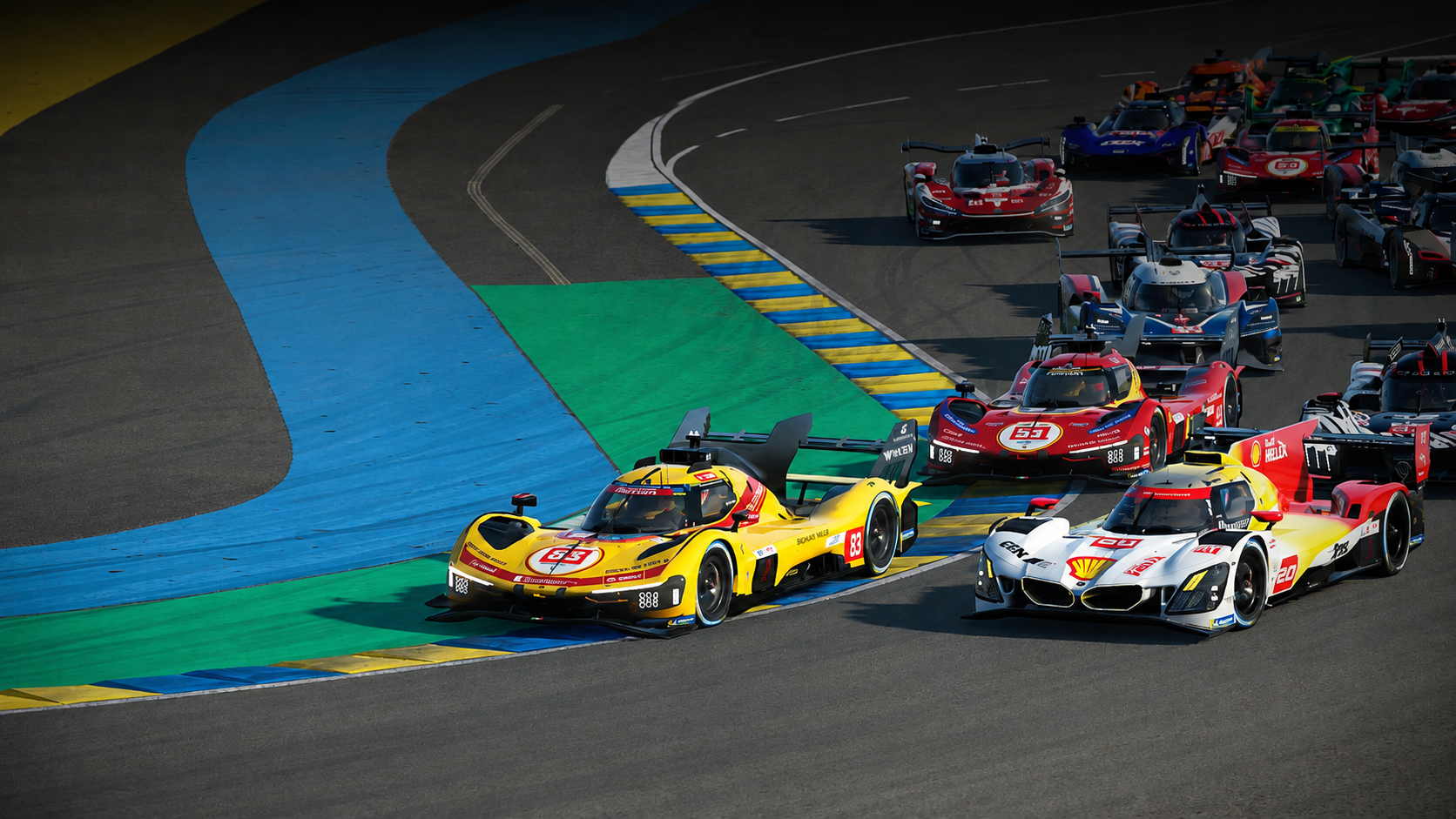
Le Mans Ultimate: RaceHub™ and Game Setup

This guide will help you configure your Asetek hardware for Le Mans Ultimate. Following this guide will help you get the best possible driving experience. We’ll cover telemetry for the LED and RaceView features, force feedback, and in-game controls to get you on track as quickly as possible.
Force Feedback Settings
| Invicta | Forte | La Prima+ | La Prima | Initium+ | Initium |
By downloading the preset above, you can import the official recommended wheelbase settings for RaceHub for Le Mans Ultimate.
- Open RaceHub.
- Go to the “Wheelbase” menu -> “Force Feedback Settings”
- Click the three dots next to “Preset”.
- Click “Import as new”.
- Find the Le Mans Ultimate preset for your wheelbase in the folder you just downloaded.
- Click “Save to wheelbase”.
In-Game Settings
After setting up the FFB settings in RaceHub, you now need to set up the following settings in the FFB settings menu in-game.
- Launch Le Mans Ultimate.
- From the main menu, navigate to “Settings” -> “Controls” -> “Force Feedback”.
- Then, insert the settings below.
| Invicta 27Nm |
Forte 18Nm |
La Prima+ 16Nm |
La Prima 12Nm |
Initium+ 8Nm |
Initium 5.5Nm |
|
| Invert Force Feedback | On | On | On | On | On | On |
| Force Feedback Strength | 65-70% | 65-70% | 65-70% | 65-70% | 65-70% | 65-70% |
| Force Feedback Smoothing | 0-1 | 0-1 | 0-1 | 0-1 | 1 | 1 |
| Minimum Steering Torque | 0% | 0% | 0% | 0% | 0% | 0% |
| Collision Strength | 55% | 60% | 60% | 60% | 75% | 75% |
| Steering Torque Sensitivity | 100% | 100% | 100% | 100% | 100% | 100% |
| Additional Force Feedback Effects | 0% | 0% | 0% | 0% | 0% | 0% |
While these presets and settings are a great starting point, adjusting and tweaking the settings to your personal preference can make a big difference and is exactly what RaceHub is for.
Telemetry for RaceHub LED and RaceView features
This part of the guide will set up RaceHub to correctly receive data from your game and enable the LED features, as well as RaceView on the Invicta and Forte formula Pro wheels. It is recommended that you start the game and close it again before continuing.
- Open RaceHub.
- Go to “Settings” -> “Game Setup” and find Le Mans Ultimate on the list.
- Click the small folder icon on the right.
- Find the main directory for the game.
- Click “Install Plugin”
Now RaceHub will receive the game data to display the LED and RaceView features. Remember to go to the “LED” and “Display” menus in RaceHub to set up the specific features.
Setting up your controls
Now, all you need to do is assign your controls in-game. As this is a personal preference, we won’t go too much into detail here, except for how it is done.
- Launch Le Mans Ultimate.
- Navigate to “Settings” -> Controls.
Here you will find multiple categories of controls, including “Primary Controls” and “Car Controls”. Simply go through each of them and set them up one by one.
- Click the control you want to set up.
- Use the input you wish to assign (push the pedal/click the button).
Now that you have set up the force feedback, enabled the telemetry, and assigned your controls, you are ready to hit the track.
Happy racing!




 Back to top